

Click to Try
A Try link opens a free lab that is already built and waiting for you. There’s nothing to deploy and nothing to pay. You sign in, click once, and you’re working in a live range for a set number of minutes.
Try links look like https://arena.roguelabs.io/try/<code>. Rogue Labs shares them for featured labs.
Starting a Trial
Section titled “Starting a Trial”- Open the Try link. If you aren’t signed in, sign in or create a free account. The lab you picked is shown beside the sign-in form, and you return to it as soon as you’re in.
- On Start your free lab, check how many minutes you get, then click Start my lab.
- When you see Your lab is ready, click Open my lab.
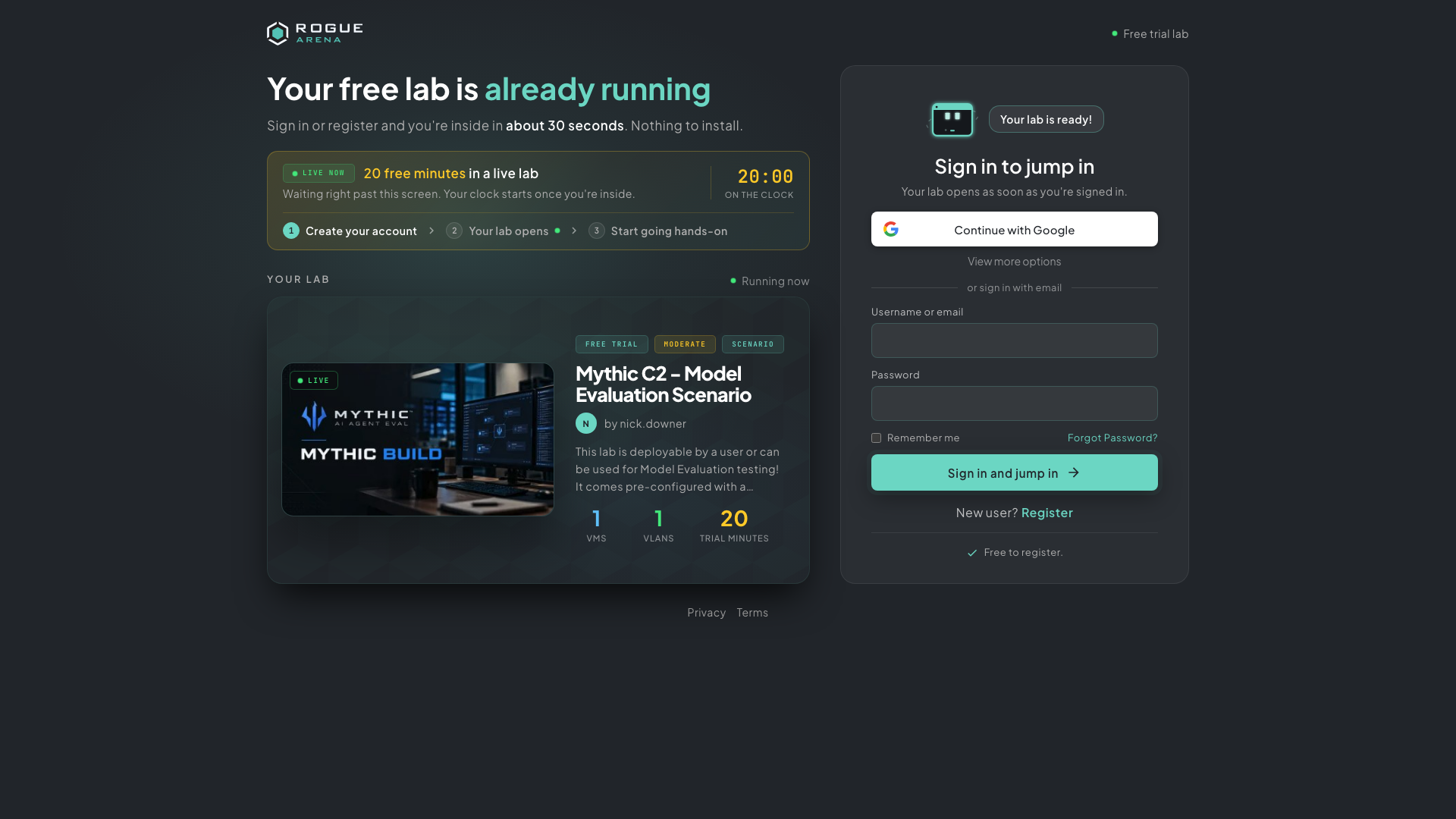 Signed out? Sign in or register on the right. The lab you’re about to try, and how many free minutes you get, are on the left.
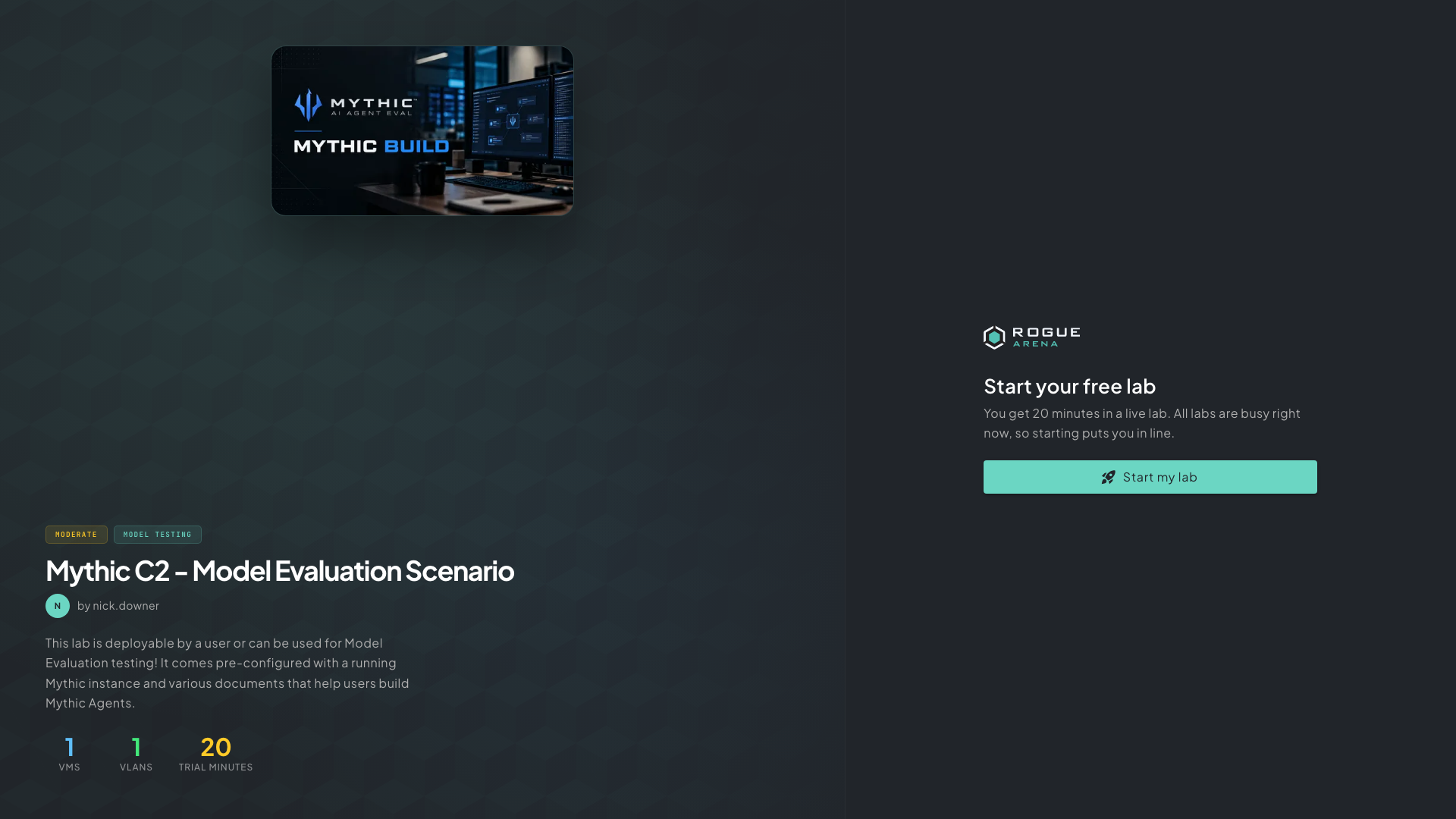 Start your free lab: what the lab is and how many minutes you get.
If your sign-up was interrupted (for example while you verified your email), your dashboard shows a Continue to banner that takes you back to the lab.
Waiting in Line
Section titled “Waiting in Line”When every lab is busy, the start page tells you so, and clicking Start my lab puts you in line. You’re in line for a lab shows your position and a rough wait time. Keep the page open, or click Leave the line to give up your place.
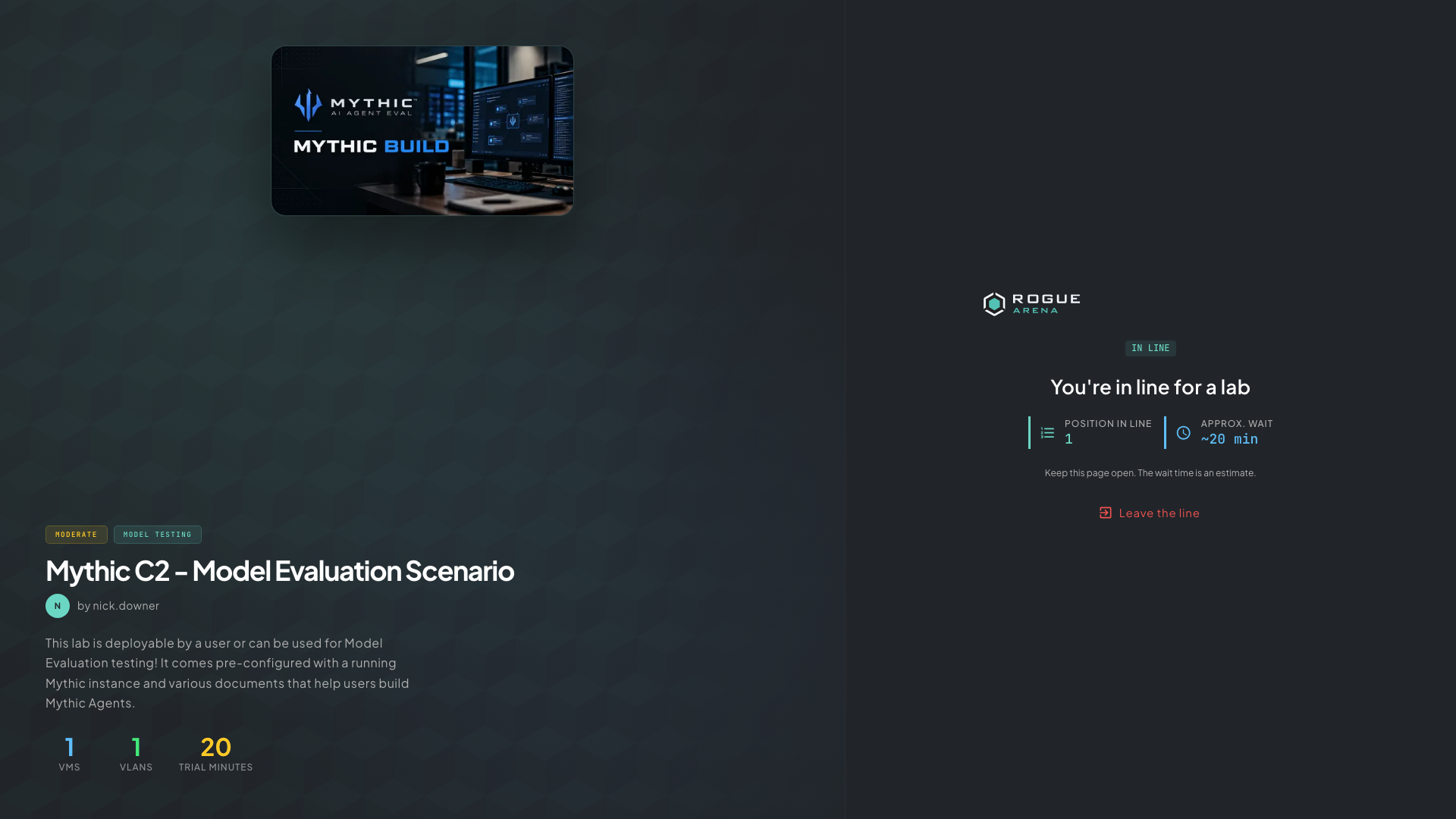 In line: your position and an approximate wait.
When a lab frees up you’ll see You’re up! Click Jump in within 60 seconds to claim it. If you miss the offer twice, you leave the line and can rejoin from the Try link.
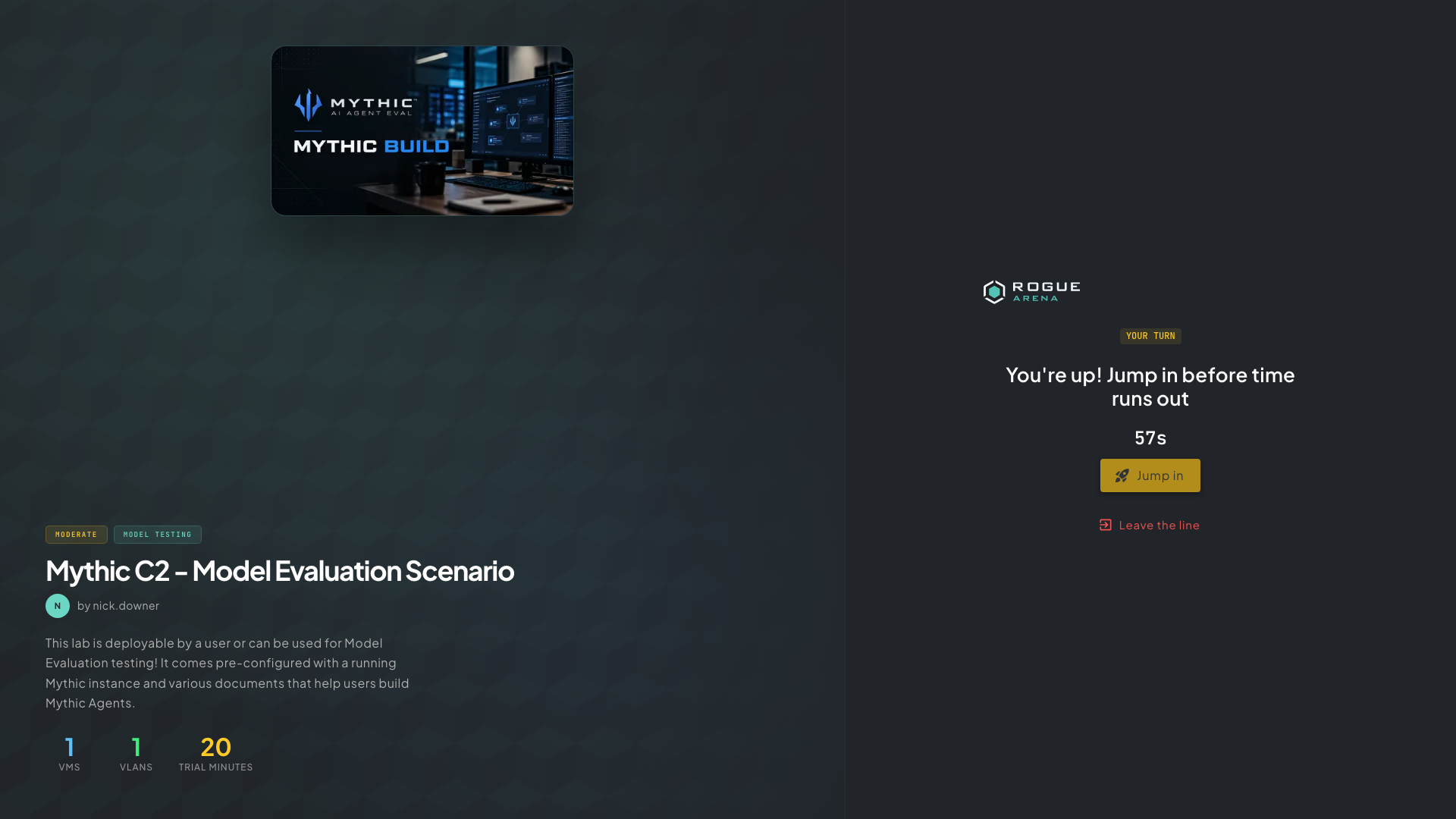 Your turn: click Jump in before the countdown runs out.
During the Trial
Section titled “During the Trial”The trial lab works like any other deployment: open VMs from the dock, follow the curriculum, and move files in and out. A Free trial banner at the top counts down the time you have left. Click Get VM hours if you want hours of your own for more labs.
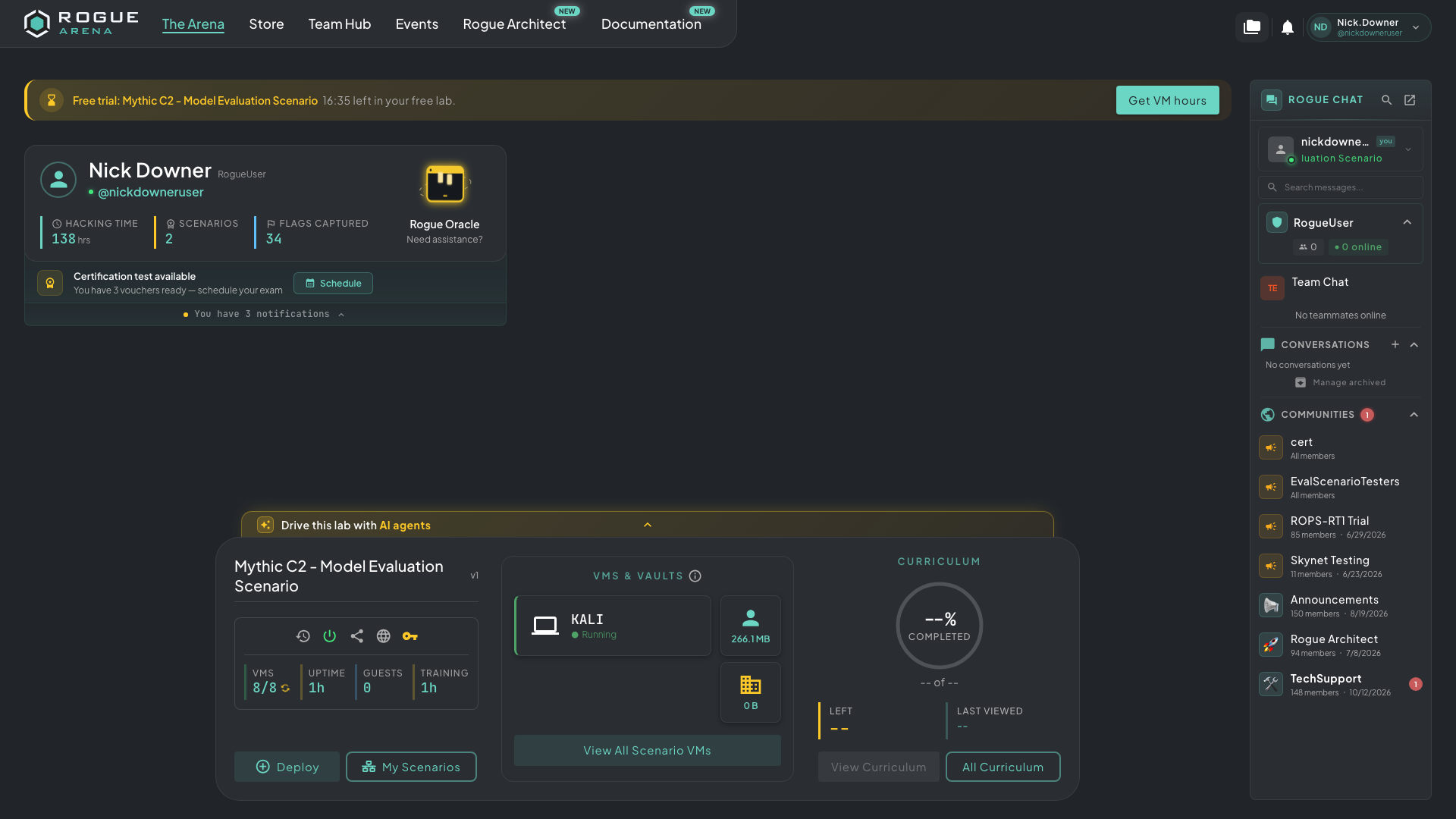 The Free trial banner shows the time left and a shortcut to get VM hours.
When time runs out you’ll see Your free VM hours are up, and the lab goes back to the pool for the next person. Anything you saved inside it is not kept.
Trial Rules
Section titled “Trial Rules”- One try per lab. Each account can try a given lab once. You’ll see “You’ve already tried this lab” after that.
- One trial at a time. Finish or let your current trial run out before starting another.
- Certifications come first. You can’t start a trial while a certification lab is active.
- Daily limits. Popular labs have a daily cap. If you see “Today’s trials are used up”, come back tomorrow.
Trial labs can’t be deleted, shared with guest links, or exported.