

Create an Account and Sign In
Anyone can create a Rogue Arena account. Sign up with an email address, or with your Google, Microsoft, or GitHub account. Joining is free, and so is designing labs in Rogue Architect. Running labs uses VM hours, and Rogue Oracle uses AI credits.
The Sign-In Page
Section titled “The Sign-In Page”Go to arena.roguelabs.io to reach the sign-in page.
- Have an account? Enter your Username or email and Password, then click Sign In.
- Use Google, Microsoft, or GitHub? Under Or continue with, click Continue with Google. Click View more options to see Continue with Microsoft and Continue with GitHub.
- New here? Click Register next to New user? at the bottom.
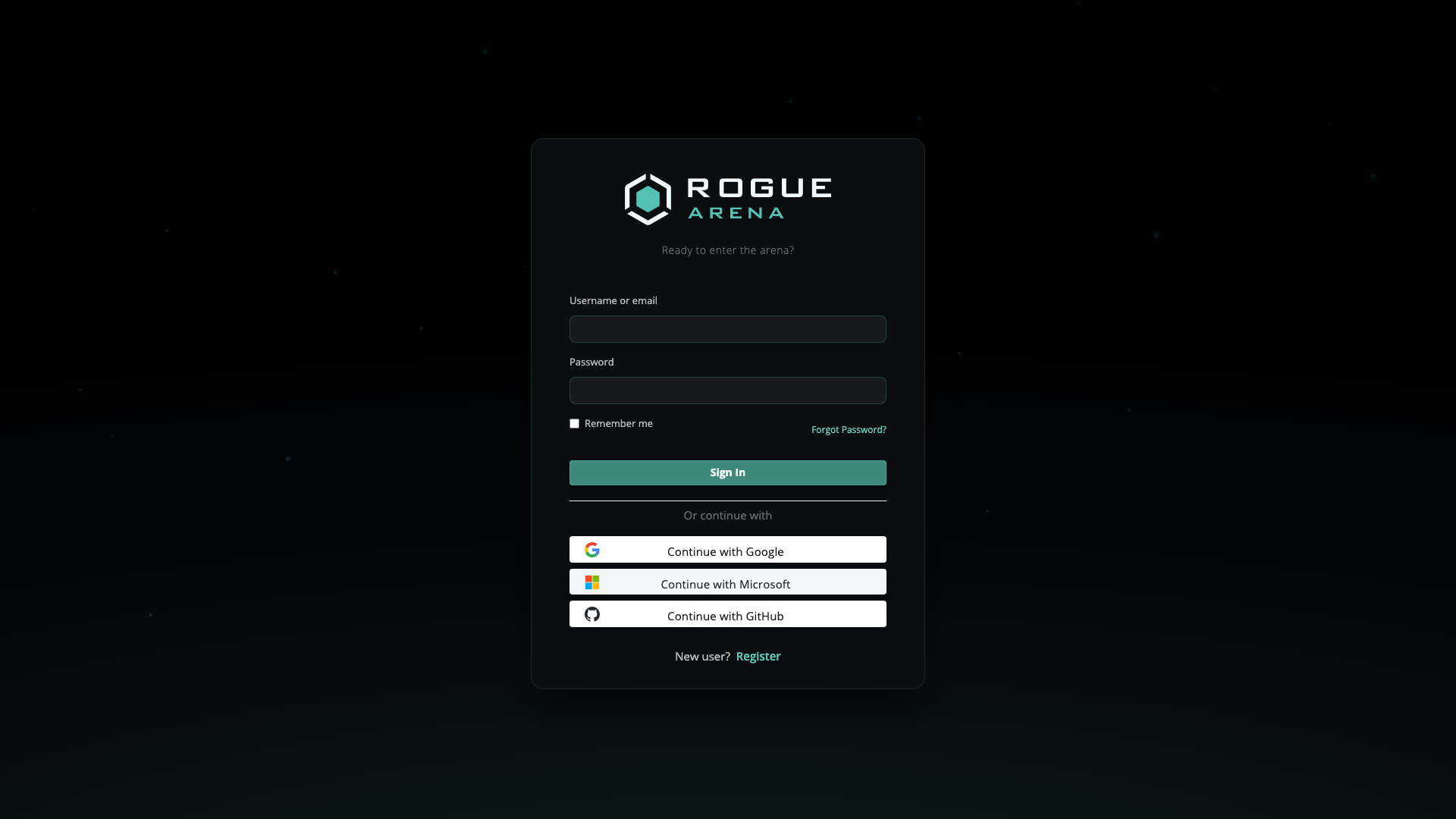 The sign-in page with View more options open. Register is at the bottom.
Signing Up with Google, Microsoft, or GitHub
Section titled “Signing Up with Google, Microsoft, or GitHub”- On the sign-in page, click Continue with Google, or click View more options and pick Continue with Microsoft or Continue with GitHub.
- Sign in with that provider.
- Read the Terms and Conditions and accept them.
Your provider has already confirmed your email address, so there’s no verification email. Your first sign-in gives you a generated username such as swiftfalcon7842. You can change it whenever you like.
If a Rogue Arena account already uses the same email address, you’re asked to link the two. Follow the prompts to connect your provider to that account.
Signing Up with Email
Section titled “Signing Up with Email”- On the sign-in page, click Register.
- Enter your First name, Last name, Email, and Username, then click Register.
- Open the email Verify your email to enter Rogue Arena and click Verify my email.
- Choose a password.
- Read the Terms and Conditions and accept them.
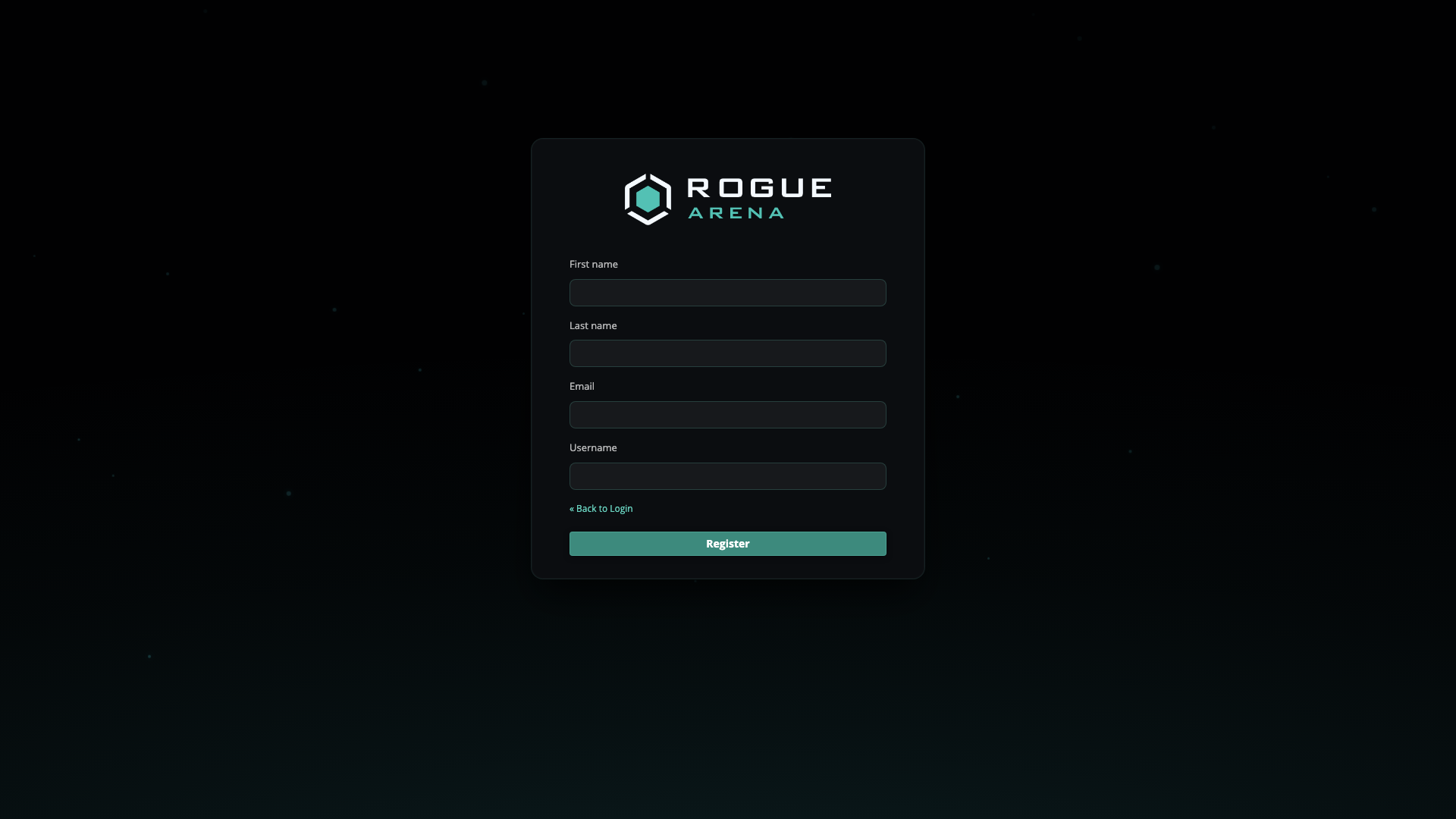 The Register form. You choose your password after you verify your email.
Your username is shown to other Rogue Arena users, so pick something you’re happy to share, like your hacker handle. If the name you pick isn’t allowed, you get a generated one that you can change later.
Your First Sign-In
Section titled “Your First Sign-In”Every new account accepts the Terms and Conditions once. They cover the platform’s beta status, acceptable use, no account sharing, how to report vulnerabilities, and consent to monitoring. After that, the app may ask whether you want product news by email (Stay in the loop); see Your Profile.
A new account starts free and on no team. You can design labs in Rogue Architect straight away. To run labs you need VM hours from a Lab plan or hour pack, and Oracle needs AI credits in your AI Wallet.
Want Oracle to build your first lab? Start with a Prompt walks you from a one-line idea to a scenario on the canvas.
Changing Your Username
Section titled “Changing Your Username”- Click your name in the top-right and choose User Profile.
- Under Account Details, click Edit Details.
- Enter a new Username and click Save.
If you see That username isn’t allowed. Please choose another. or That username is taken. Choose another., try a different name.
Accounts That Use Google, Microsoft, or GitHub
Section titled “Accounts That Use Google, Microsoft, or GitHub”Your provider manages your email address and password. In User Profile → Account Details, the Change Password and Change Email Address buttons are replaced by a note such as Your email and sign-in are managed by Google. To change either one, change it with your provider.
You can still edit your name and username. Forgot Password? on the sign-in page doesn’t apply to these accounts; sign in with your provider’s button instead.
Joining a Team
Section titled “Joining a Team”A team’s Org Manager can invite you by email. The invite arrives from Rogue Arena with the subject {Name} is inviting you to join {Team} on Rogue Arena. Click Join {Team}, confirm your name, choose a password, and you land on the team.
You can belong to one team at a time. Team members can’t buy Lab plans or hour packs of their own; Rogue Arena staff arrange the team’s lab access. See Team Members.