

Export Reports
The Export Reports tab lets you generate downloadable team reports.
Required role: Org Manager
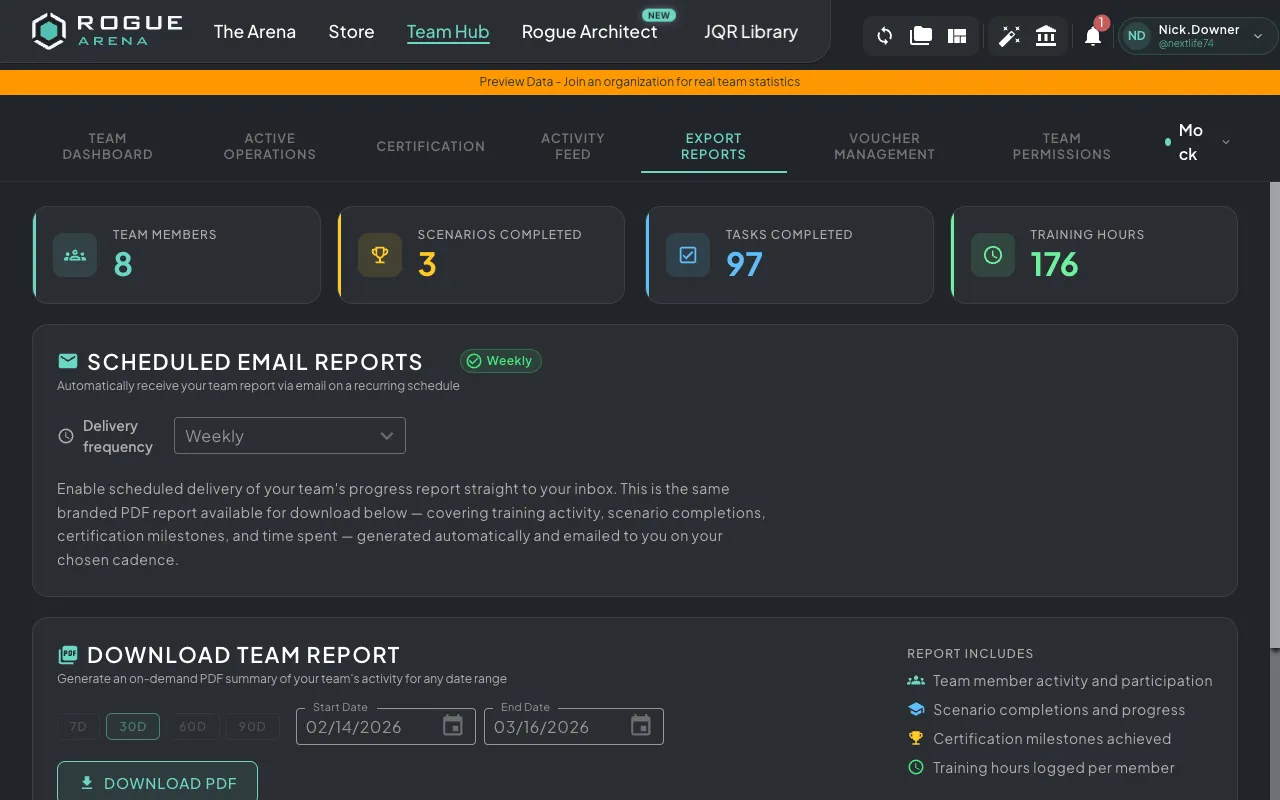 Export Reports — generate downloadable PDF team reports.
Team Stats
Section titled “Team Stats”At the top of the page, the same overview metrics from the Team Dashboard are displayed for quick reference:
- Team Members
- Scenarios Completed
- Tasks Completed
- Training Hours
Download Reports
Section titled “Download Reports”Generate a PDF report of your team’s activity for any time period:
- Select a date range using the preset options:
- Last 7 days
- Last 30 days
- Last 60 days
- Last 90 days
- Custom date range
- Click Download Report
- A PDF will be generated and downloaded with team statistics for the selected period
The report includes aggregated metrics, per-user breakdowns, and training progress data.