

Activity Feed
The Activity Feed provides a chronological timeline of everything happening across your team — completions, deployments, certifications, and more.
Required role: Team Manager or Org Manager
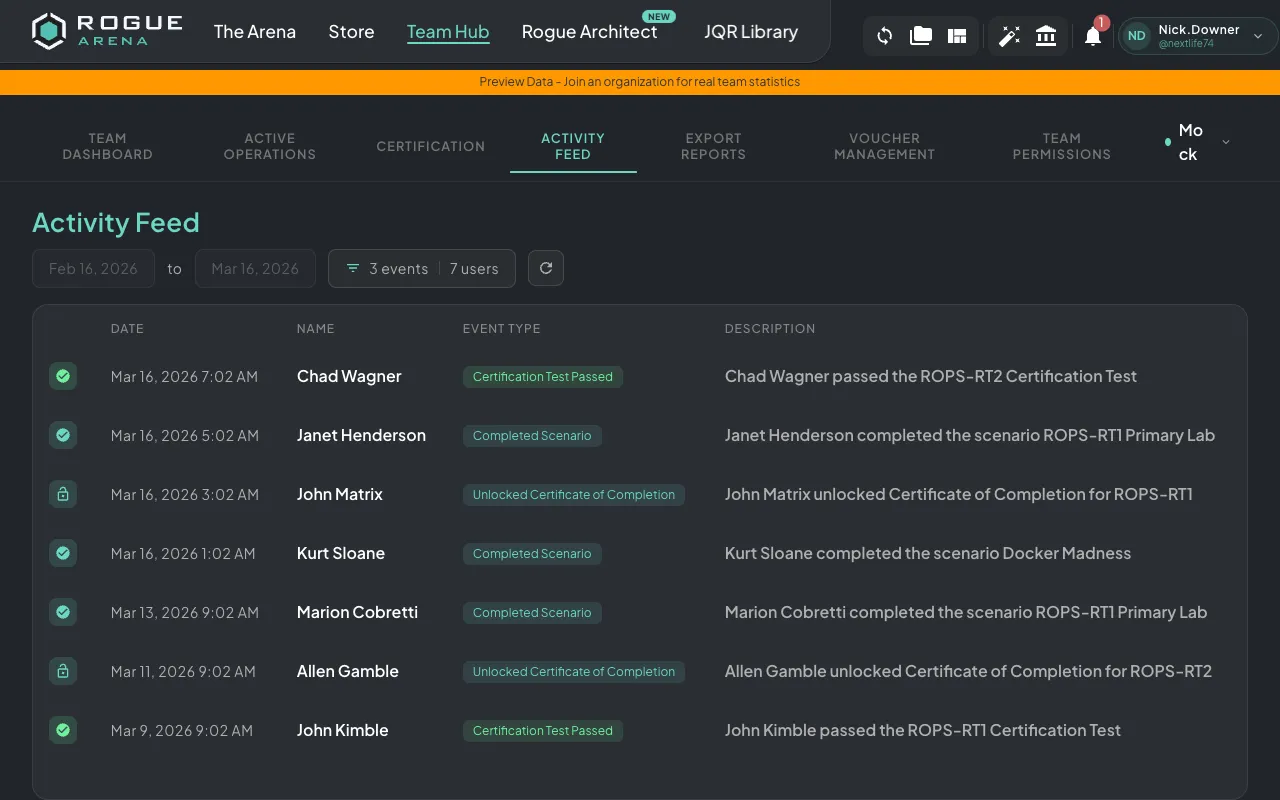
Event Types
Section titled “Event Types”The feed captures a wide range of team activities:
- Certificates — Unlocked certificate of completion
- VM Usage — Virtual machine start/stop events
- Scenario Completions — Finished a scenario
- Certification Events — Registered for cert test, passed, or failed
- Deployments — Deployed, removed, or shared a scenario
- Scenario Actions — Reverted scenario, manual shutdown, idle shutdown
Each event shows the team member involved, a description of what happened, and a timestamp.
Filtering
Section titled “Filtering”Use the filtering options to narrow down the feed:
Date Range
Section titled “Date Range”Choose from preset ranges:
- Last 3 months
- Last 6 months
- Last year
- Custom date range
Event Type
Section titled “Event Type”Use checkboxes to show or hide specific event types. This is useful when you want to focus on just certifications, or just deployments, for example.
Team Member
Section titled “Team Member”Filter by specific team members using the multi-select dropdown. This lets you review an individual’s activity history.
Pagination
Section titled “Pagination”The activity feed loads events in pages. Scroll down to load more events as needed.